Digital project scoping Australia: Part 1 of a series on scoping, methodologies, and delivery. How to define scope before a line of code is written.
The number that comes up most often in post-project debriefs is not the final budget or the go-live date. It is the ratio: for every dollar saved by skipping digital project scoping, Australian businesses typically spend three dollars fixing what was built wrong.
TL;DR: Digital project scoping is the structured phase where requirements, user needs, technical constraints, and budget are defined before development starts. Done properly, it produces a shared document set that any team can build from. Done badly or skipped, it guarantees rework, cost blowouts, and a product that solves the wrong problem. This guide covers what good scoping looks like, how it differs across project management methodologies, and what to expect at the end of it. It is Part 1 of a series on digital project delivery: subsequent parts cover Waterfall and Agile in depth, how to write user stories, and how to manage delivery from brief to launch.
Companies that rush into development without a structured discovery and scoping phase waste an average of six to nine months and between $50,000 and $150,000 building features users do not want or a system that cannot scale. That figure emerges consistently across digital product development engagements, and it shows up whether the budget is $20,000 or $2 million.
This guide is for business owners and digital managers who are about to commission a website, application, or software system. It covers what proper scoping involves, why it matters at every scale, how the scoping process changes depending on which project management methodology your team uses, and what you should receive at the end of a properly run discovery phase.
What Digital Project Scoping Actually Is
Scoping is the structured process of defining what you are building, for whom, why, and under what constraints: before a line of code is written or a design is drawn.
It sits inside what the industry calls a discovery phase. Discovery is broader: understanding the problem space, the users, the business model, and the competitive context. Scoping takes those inputs and converts them into specific, buildable requirements.
Done properly, scoping produces a document set that any competent developer or agency can pick up and build from without guessing at intent. Done badly, or skipped, it produces a brief too vague to execute, leading to scope creep, cost blowouts, and a product that solves the wrong problem at the wrong level of complexity.
The distinction between a scoping document and a brief matters. A brief says: “We want a customer portal.” A scoping document says: “The customer portal needs to support 500 concurrent users, integrate with Salesforce via REST API, display invoices from the last 24 months, and allow customers to raise support tickets. Authentication will use OAuth 2.0 with the existing identity provider. The portal does not need to process payments in phase one.”
That level of specificity is what separates projects that come in on budget from those that do not.
Why Scoping Matters at Every Scale
Scoping is not only for large or complex projects. A $20,000 website rebuild benefits from a structured scoping process as much as a $200,000 platform build: the consequences of poor scoping just arrive faster and are proportionally just as damaging.
The most common reasons businesses skip scoping are urgency and perceived cost.
On urgency: starting development immediately seems faster than spending four to six weeks in discovery. This belief is almost always wrong. A project that starts without scoping typically hits major unresolved questions in week three of development, stalls for two to three weeks while decisions are made, then restarts with a partially built system that must now accommodate requirements it was not designed for. The net effect: the four-week scoping phase would have saved eight to twelve weeks of rework.
On cost: agencies sometimes offer to compress or waive the discovery phase to win a project. This is a red flag. A scoping phase that is rushed or skipped does not save the business money: it transfers the cost of unknown requirements into the development phase, where each decision is three to five times more expensive to make. The businesses that resist scoping on cost grounds are the ones most likely to come back eighteen months later having spent twice the original budget, still without what they needed.
How Project Management Methodology Changes Scoping
This is where most generic project management guides fall short. The way you scope a project should change based on how you plan to deliver it. The three dominant methodologies for digital projects in Australia, Waterfall, Agile (most commonly Scrum), and Kanban, each approach scoping differently. Choosing the wrong one, or applying the right methodology with the wrong scoping approach, is one of the most common causes of project failure.
Waterfall: Scope Everything Upfront
Waterfall is a sequential delivery model. The project moves through defined phases in order: discovery and scoping, design, development, testing, deployment. Each phase must be completed and signed off before the next begins.
What scoping looks like in Waterfall: Scoping is extensive and front-loaded. The entire project is defined before any development starts, typically consuming 10-15% of total project time and cost. The output is a detailed Business Requirements Document (BRD) or Functional Specification Document (FSD) that defines every feature, every integration, every edge case, and every acceptance criterion upfront.
When it works: Waterfall suits projects with fixed scope, fixed budget, and requirements that are unlikely to change: a government tender with a defined specification, a website rebuild where the content and structure are already agreed, a system integration where both sides have documented APIs and no user research is required.
The risk: If requirements turn out to be wrong after build starts, changes are expensive. Any feature not in the scope document is, technically, out of scope: and changing it requires a formal change request, renegotiation, and additional cost. Waterfall rewards getting the scope right the first time, which is only possible when the problem is well understood before work begins.
What you should receive at the end of Waterfall scoping:
- Functional requirements document covering every feature
- Non-functional requirements (performance, security, scalability)
- Signed-off wireframes or UX flows for every screen
- Integration specifications for every third-party system
- Detailed project plan with milestones and dependencies
- Fixed-price quote or budget range based on defined scope

Agile/Scrum: Scope Progressively Across Sprints
Agile is an iterative delivery model. Work is broken into short cycles called sprints (typically one to two weeks each), and at the end of each sprint the team delivers a working increment. Requirements are refined progressively rather than defined entirely upfront.
What scoping looks like in Agile/Scrum: Rather than a comprehensive specification document, Agile scoping produces a prioritised product backlog: a list of user stories representing what the product needs to do, ranked by business value. Scoping happens in two stages: high-level scoping happens before build begins (often in a Sprint Zero or Discovery Sprint), and detailed scoping happens sprint by sprint through backlog refinement sessions.
A user story follows a standard format: “As a [type of user], I want [some goal] so that [some reason].” Each story is paired with acceptance criteria: the specific conditions that must be met for the story to be considered complete. For example:
- User story: “As a registered customer, I want to view my last 12 months of invoices so that I can reconcile my accounts.”
- Acceptance criteria: “Invoices display date, reference number, amount, and status. PDF download available for each. Maximum load time: 2 seconds. Mobile-responsive display.”
When it works: Agile suits projects where requirements are expected to evolve, where user feedback should shape the product, or where speed to market matters more than comprehensive upfront planning. Most SaaS products, apps, and complex web platforms benefit from Agile delivery.
The risk: Without a disciplined scoping discipline, Agile can become “we will figure it out as we go”: which produces uncontrolled scope creep, unpredictable costs, and a backlog that grows faster than the team delivers. The distinction between good Agile and bad Agile is usually the quality of the Sprint Zero discovery and the rigor of the backlog prioritisation.
What you should receive at the end of Agile scoping (Sprint Zero):
- A prioritised product backlog with user stories and acceptance criteria for the first two to three sprints
- Epic-level mapping of the full product scope (high-level groupings, not detailed stories)
- Technical architecture decisions and platform selection rationale
- Sprint cadence and team structure agreed
- A budget range tied to number of sprints rather than a fixed feature list
- Definition of done agreed: what criteria a story must meet to be marked complete
Kanban: Lightweight Scoping for Continuous Work
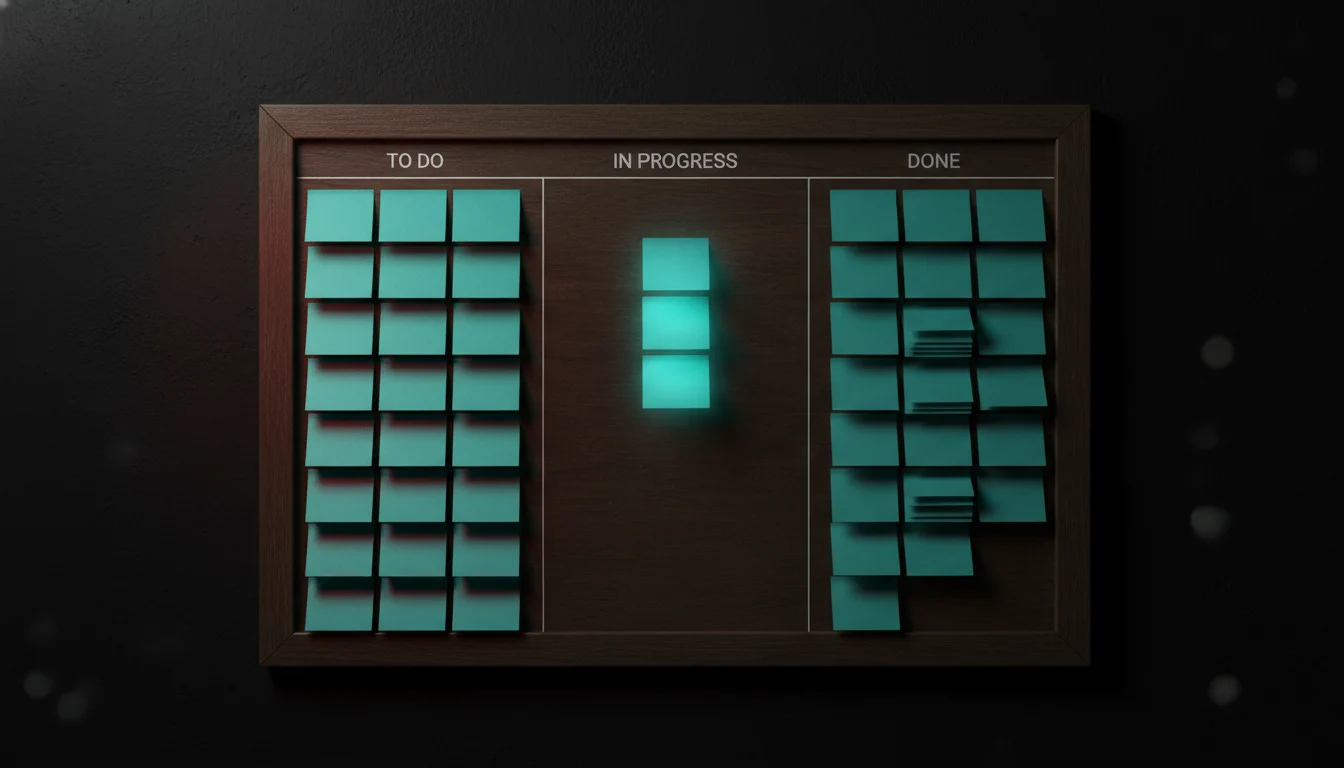
Kanban is a visual workflow management method that suits teams with a continuous stream of incoming work rather than defined project releases. It does not use sprints. Work items flow through columns (To Do, In Progress, Done) with a limit on how many items can be in progress at once.
What scoping looks like in Kanban: Kanban scoping is more lightweight than Waterfall or Agile/Scrum. Rather than a detailed specification or a full product backlog, the scoping output is a prioritised work queue where each item is small enough to be completed independently. Items are described in enough detail to be picked up and completed by any team member.
Kanban is rarely the right primary methodology for a new digital product build. Where it shines is ongoing maintenance, iterative improvement, content production pipelines, or support workflows. Many teams run a Waterfall or Agile project to build version one, then transition to Kanban for ongoing operations.
When it works: Kanban suits: marketing teams managing a content pipeline, development teams handling bug fixes and feature enhancements alongside a live product, agencies managing ongoing client retainer work, or any context where work is continuous and varied rather than project-scoped.
What you should have at the start of a Kanban engagement:
- A clear definition of what constitutes a work item at your team’s standard size
- A prioritisation process for deciding what enters the queue and when
- Work-in-progress (WIP) limits for each stage of your workflow
- A cadence for reviewing and replenishing the backlog (typically weekly)
Choosing the Right Methodology for Your Project
The choice of methodology should follow the nature of the work, not the preference of the agency or the familiarity of the team. A useful decision framework:
Choose Waterfall if: The scope is fully known upfront, the budget and timeline are fixed, the project is compliance-driven with defined specifications, or you are working with government procurement requirements that require a signed-off specification before build.
Choose Agile/Scrum if: Requirements are likely to evolve based on user feedback, you want to deliver value early and iterate based on what you learn, the product is complex enough that upfront specification would be guesswork, or you are building for a market where speed to learning matters more than a comprehensive launch feature set.
Choose Kanban if: You have a live product and ongoing operational work, your team handles a mix of bug fixes, enhancements, and new features in parallel, or you are managing content, creative, or support workflows rather than a software build.
Many digital projects combine methodologies. A Waterfall discovery phase to define the high-level architecture and scope, followed by Agile sprints to build and iterate, is common for projects above $100,000 in scope. This hybrid approach gets the structure of upfront scoping with the flexibility of iterative delivery.
What a Good Scoping Document Set Includes
Regardless of methodology, a properly scoped digital project should produce documentation covering:
- Objectives and success metrics: What does success look like, and how will it be measured? Vague goals (“improve the customer experience”) must be converted into measurable outcomes (“reduce support ticket volume by 20% within three months of launch”).
- User needs: Who uses this system, what do they need to do, and where does the current process break down? At minimum, two to three representative user interviews.
- Feature scope with prioritisation: What is in MVP, what is deferred to phase two, and what is explicitly out of scope.
- Technical constraints and integration requirements: What systems does this connect to, and what are the data, authentication, and performance requirements.
- Risks and dependencies: What could block or delay delivery, and what decisions are needed before work starts.
- Effort estimate or budget range: Based on the defined scope, not a guess.
The document set is not the output for its own sake. It is the shared understanding of what is being built. Every stakeholder, business owner, designer, developer, project manager, should be able to read it and describe the same product.
What This Series Covers
Digital project scoping is the foundation. But scoping alone does not deliver a project. How you manage delivery: the methodology, the ceremonies, the communication, the handoffs: determines whether the scope you defined in week one reflects what gets built in week sixteen.
This article is Part 1 of the Digital Project Delivery Series from Avatar Studios. Subsequent parts cover:
- Part 2: Agile Delivery in Practice: How to run sprints that consistently deliver, how to write user stories that do not leave room for misinterpretation, and how to manage a backlog that reflects actual priorities.
- Part 3: Waterfall vs Agile: Choosing the Right Approach for Your Project: A practical guide to methodology selection with a decision framework for common project types.
- Part 4: Managing a Digital Project as a Business Owner: What to expect week by week, which decisions are yours to make, and how to avoid the most common client-side mistakes that derail projects.
If you are planning a new website, application, or digital platform and want to get the scoping right from the start, Avatar Studios’ Product Strategy & Discovery practice runs structured discovery engagements for Australian businesses. Our Strategy & Advisory team can also work with you on technology assessment and roadmapping before you commit to a build.
Frequently Asked Questions
What is digital project scoping and why does it matter?
Digital project scoping is the process of defining exactly what will be built, for whom, and under what constraints before development begins. It matters because requirements discovered during build cost three to five times more to address than requirements discovered during scoping: and requirements discovered after launch cost ten to twenty times more. Scoping is where the expensive mistakes are prevented, not where the project is delayed.
What is the difference between Agile and Waterfall scoping?
In Waterfall, scoping happens entirely upfront and produces a comprehensive specification document. In Agile, high-level scoping happens before work starts, but detailed requirements are progressively defined sprint by sprint in the form of user stories and acceptance criteria. Waterfall scoping gives you more certainty and a fixed price; Agile scoping gives you more flexibility but requires ongoing engagement from the client throughout delivery.
What does digital project scoping cost in Australia?
For an SMB project, a structured scoping engagement typically costs between $5,000 and $20,000 depending on project complexity and the depth of user research required. Larger enterprise projects may run $30,000 to $80,000. Errors caught during scoping cost roughly 10% of what they cost to fix during development, and 1-2% of what they cost post-launch. The scoping fee typically pays for itself in the first week of avoided rework.
How long does a scoping phase take?
Most SMB scoping engagements run four to six weeks. Sprint Zero in an Agile project typically runs one to two weeks. Waterfall discovery for a complex project can run eight to twelve weeks. Compressing below four weeks typically means skipping something important: usually user research or technical discovery, which are the two most valuable inputs to the scope.
What is a user story and how does it differ from a requirement?
A requirement describes what a system must do: “The system must display invoices.” A user story describes the same thing from the perspective of the person using it: “As a customer, I want to view my invoices so that I can reconcile my accounts.” User stories are used in Agile projects because they keep the focus on user need rather than system behaviour, and they pair naturally with acceptance criteria that define when a story is complete.
Can I scope my own project without an agency?
For simpler projects (a basic marketing website, a landing page, a no-integration digital tool), a good brief with a clear sitemap and defined goals is often sufficient. For anything involving custom functionality, third-party integrations, user research, or a defined user base with specific workflows, professional scoping almost always pays for itself. The alternative: discovering requirements during build: costs significantly more in both time and money.
What happens if the scope needs to change after the project starts?
In Waterfall, scope changes require a formal change request process. Each change is assessed for effort, cost, and schedule impact, and agreed before work begins. In Agile, changes are accommodated by adding or reprioritising items in the backlog: they affect which features make it into which sprint, but the process is designed to handle them. A well-scoped project has a clear baseline against which changes can be evaluated; without that baseline, every change is a negotiation from memory.
Related reading
Scoping is one part of a larger commissioning decision. See also why the hourly billing model is dead, what to look for when hiring a digital agency, the questions to ask before you hire one, and what a fractional product lead does if you want scoping owned in-house.